Loyalty cards · Tickets · Coupons
Snap a card.
Get a digital pass.
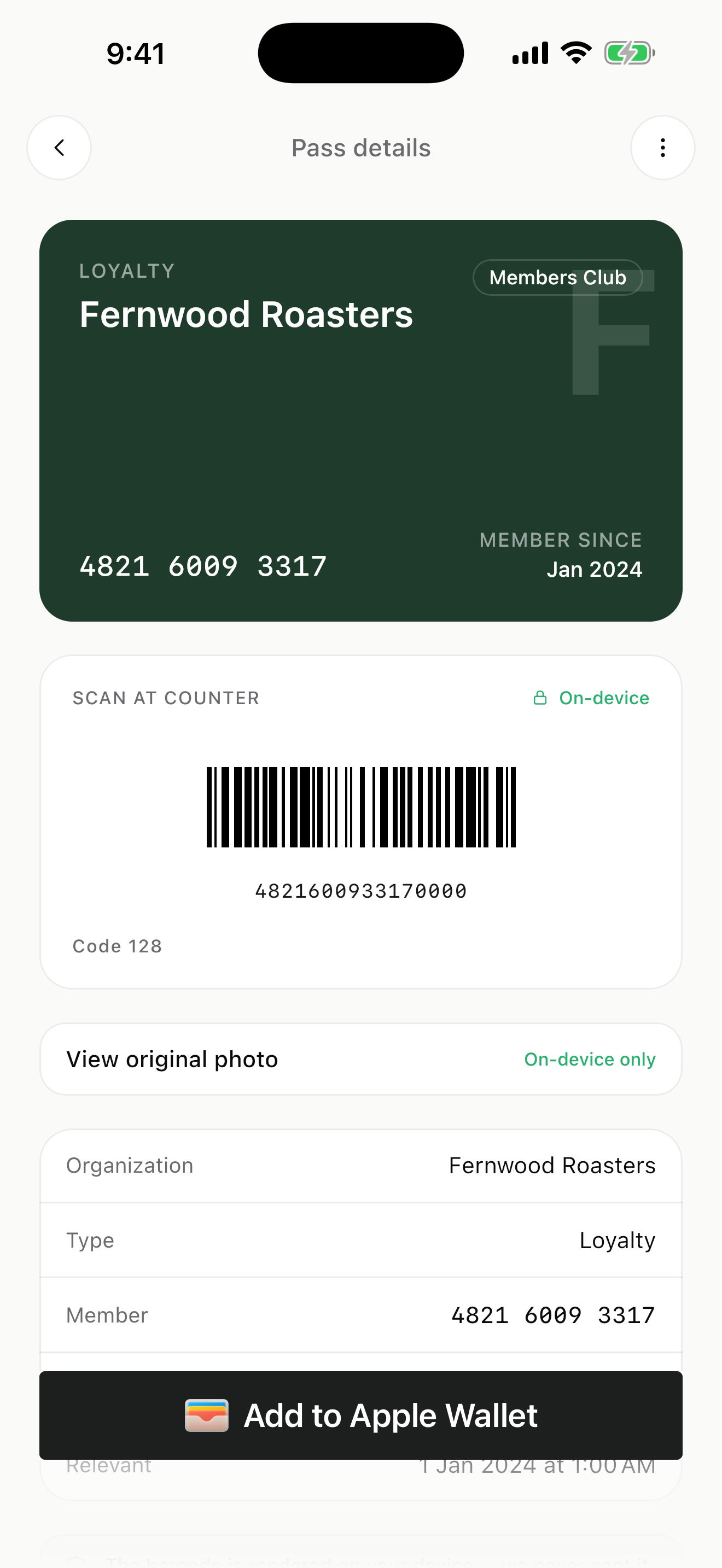
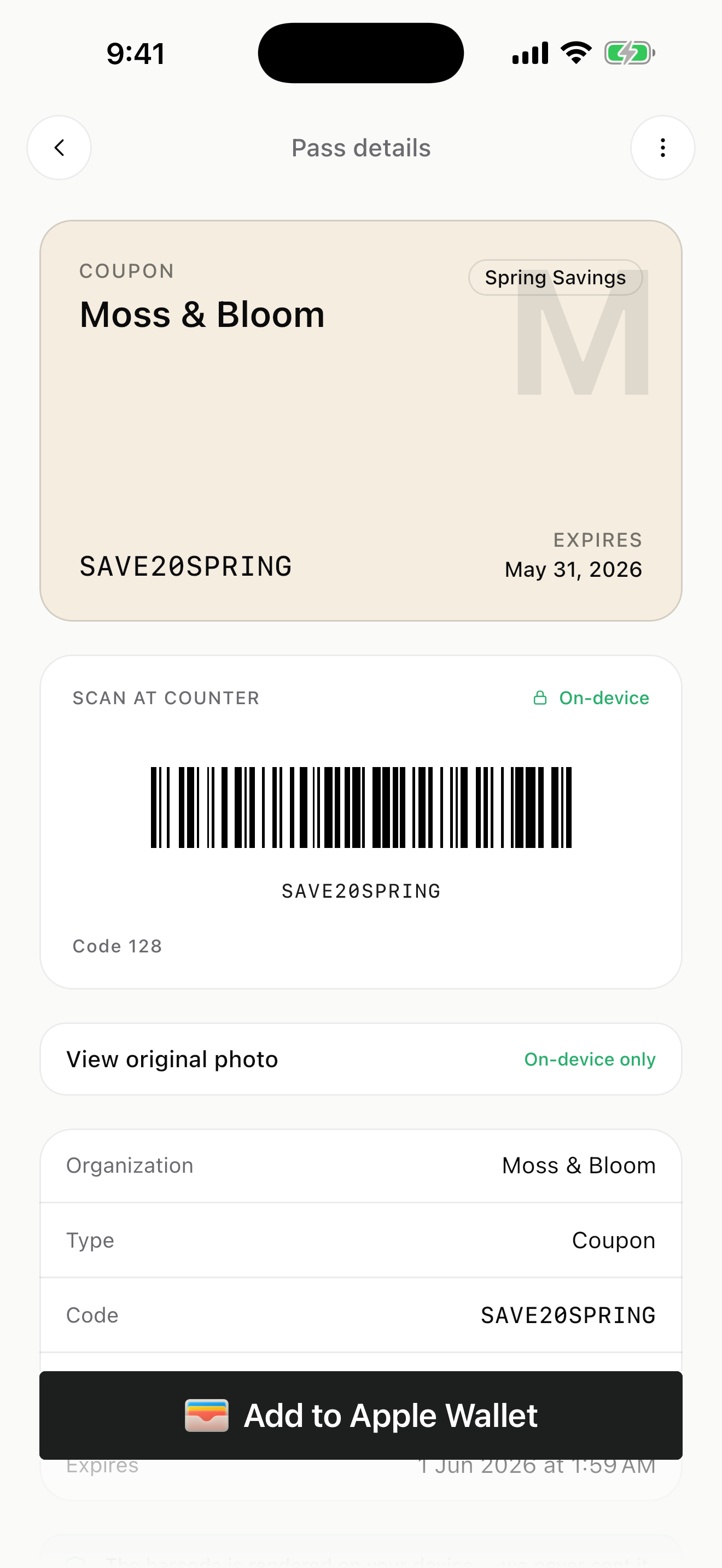
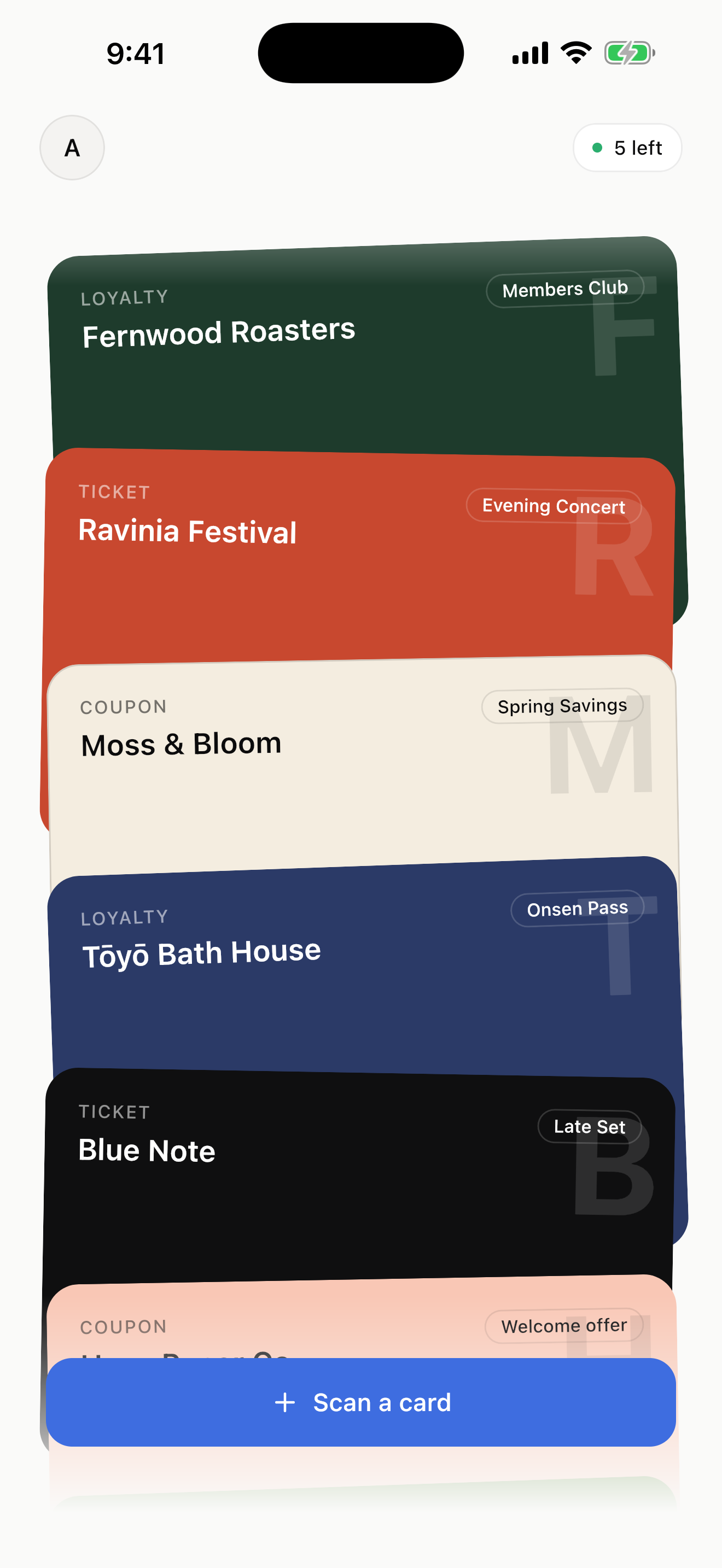
Point your camera at any loyalty card, event ticket, or coupon. AI fills in the details and saves it to Apple Wallet on iOS or your in-app wallet on Android — in under 30 seconds, no manual typing.
Available on
- On-device barcode decoding
- Apple Wallet (iOS) · in-app wallet (Android)
- Free tier, then pay only when you need more
How it works
Three taps from physical to digital.
Designed to take less than 30 seconds end-to-end, including the time it takes for the AI to recognise what you photographed.
-
Step 01
Snap
Point your camera at the front of any physical card, ticket, or coupon. One tap, no special framing.
-
Step 02
Extract
AI reads the organization, dates, colors, and fields directly from the photo — no manual templates, no typing.
-
Step 03
Preview & save
Review and edit anything in a quick preview, then save to Apple Wallet on iOS or your in-app wallet on Android.
Privacy by design
Your barcodes stay on your device — with one honest exception.
We treat the scannable payload of your loyalty cards and tickets like a key —
because that's what it is. It's decoded on-device, kept in your phone's secure
store, and rendered locally every time you open a pass. The one time it leaves
your device is when you add a pass to Apple Wallet: it goes to a single signing
endpoint, used in memory to build the signed .pkpass, then discarded.
-
Barcode stays on your device, with one exception
The barcode or QR is decoded on-device and stored in the platform secure store (iOS Keychain, Android EncryptedSharedPreferences). Our extraction backend never receives it. The exception: when you add a pass to Apple Wallet, the payload is sent once to a single signing endpoint, used in memory to build the signed `.pkpass`, and discarded — never stored, never logged.
-
Photos are redacted before upload
The barcode region is masked locally — what travels to AI extraction is a redacted image with no scannable code.
-
No ad tracking or fingerprinting
This site uses Google Analytics (aggregate page-view data only) to understand how people discover the app. No Meta Pixel, no Hotjar, no fingerprinting. The app collects only what is needed to run the service.
Pricing
Free to start. Pay only when you do more.
Start with a free starter allowance. When you outgrow it, top up with a small pack — no subscriptions, no auto-renews. Exact pack sizes and prices are finalised before launch.
Free
Just enough to digitise your everyday wallet.
- A starter pack of digital passes
- All extraction features
- On-device barcode decoding
- Apple Wallet & in-app wallet
Top-up packs
Pay once, only when you need more.
- Buy passes in small packs
- No subscription, no auto-renew
- Same privacy guarantees
- Restore on a new device
Available on iOS and Android.
FAQ
Common questions.
- Which cards work?
- Any physical card, ticket, or coupon with a visible barcode, QR, or PDF417 — loyalty cards, event tickets, transit passes, coupons. Cards without a code (membership IDs printed only as text) work for the visual pass; the barcode field will be empty.
- Does this work without internet?
- On-device barcode decoding works offline. The AI extraction step needs a network call to read text fields. Saved passes display offline.
- How is this different from manually adding a pass?
- Existing wallet apps require you to type each field. AI Wallet Pass reads the photo and pre-fills the pass for you — usually nothing to edit before saving.
- Will my data be used to train an AI?
- No. Your redacted photo is sent only to perform extraction for you and is not retained for training. The barcode payload is decoded on your device and stored locally; it only leaves your phone for a one-shot send to our pass-signing endpoint when you add a pass to Apple Wallet, where it is used in memory to build the signed pass and then discarded.