
Classic board game · five ways to play · 2–4 players
Ludo Online: Multiplayer
One board. Every way your group plays.
Face the computer, pass one screen around, connect nearby devices over Bluetooth, or meet online with Quick Match and private rooms. Classic rules, clear turns, and no coin wagering.
Get the app


- Nearby play without internet or pairing
- Cross-platform Android + iOS matches
- No account for offline or nearby play
Play Nearby · Bluetooth LE
Four devices. One board. Zero internet.
Built for flights, train rides, cabins, and every table where the network disappears. One player creates a nearby game, approves the group, and starts a Classic match for up to four devices.
Bluetooth stays untouched until you choose Play Nearby and continue past a plain-language explanation. Joining happens inside Ludo — there is no trip to the system pairing screen.
- No internet, shared Wi-Fi, room code, or account
- No system Bluetooth pairing or PIN
- Android and iOS devices in the same match
- Host approval before anyone takes a seat
Host
Create & approve
Guest
Find & join
Guest
Same match
Guest
Reconnect ready
Inside the game
Bright choices. Readable turns. A real finish.
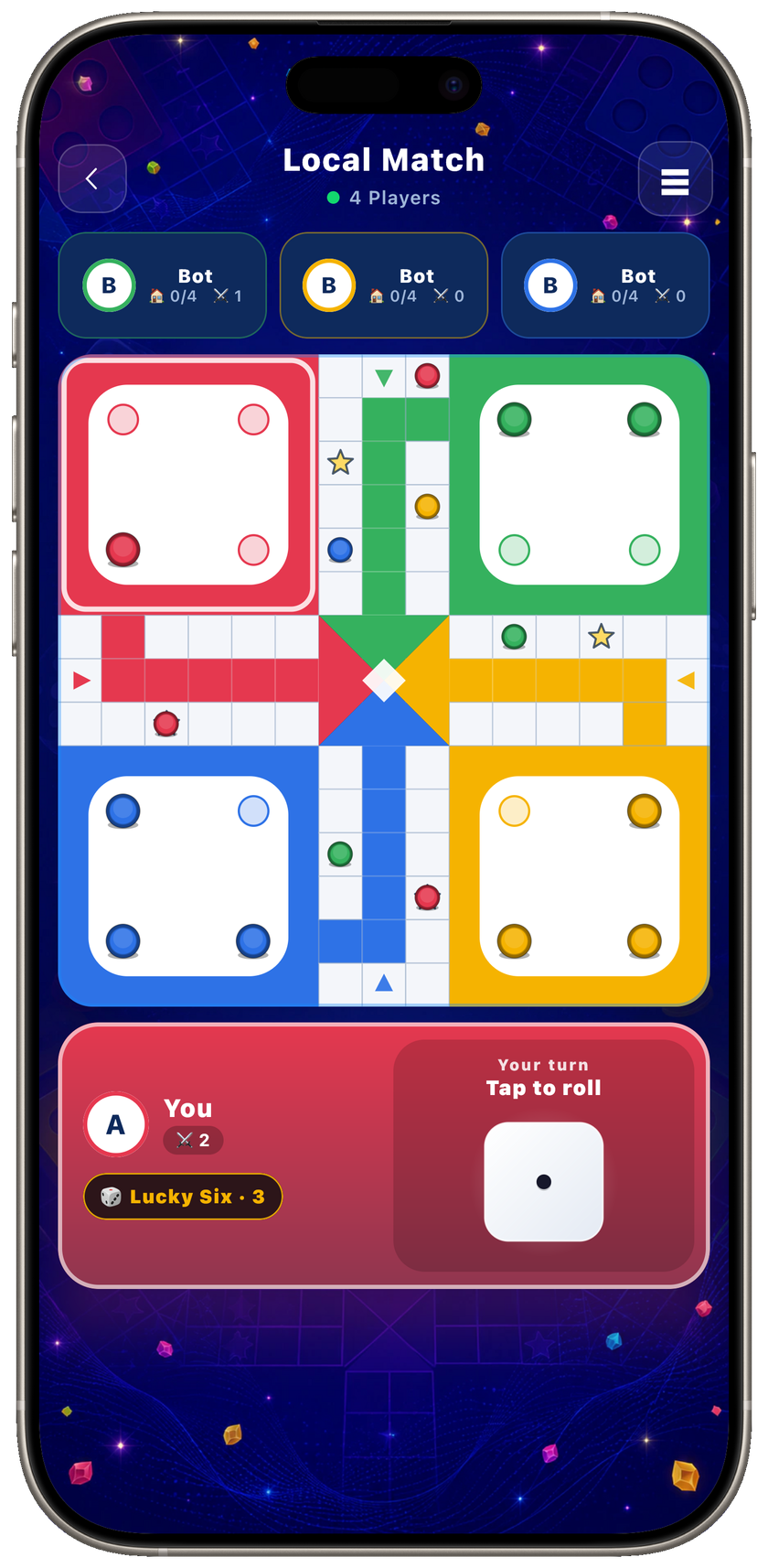
Pick a mode and token style in seconds, then keep the whole match readable from the first authoritative roll to the final token home.
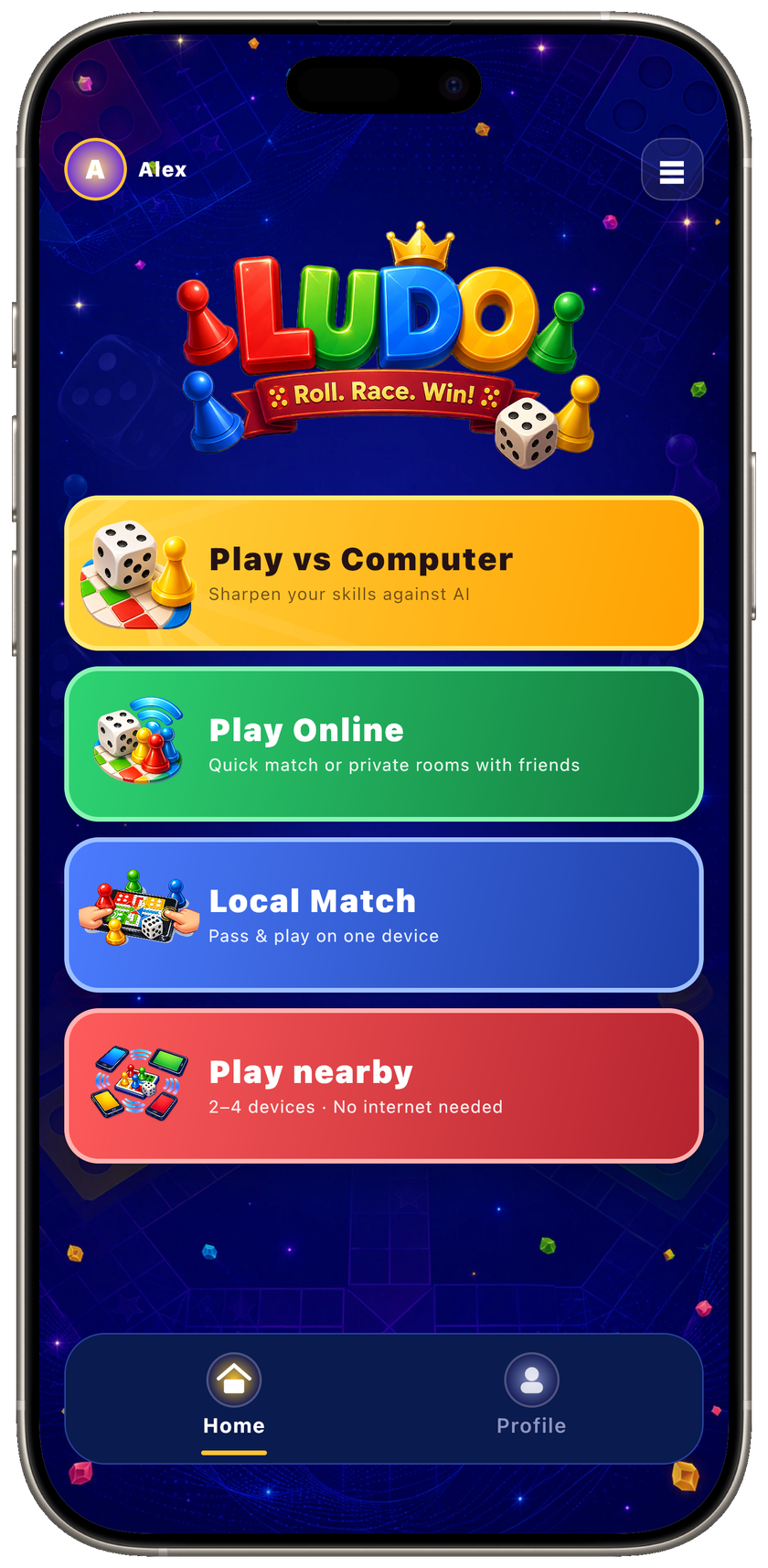
Pick your table
Start the way your group plays
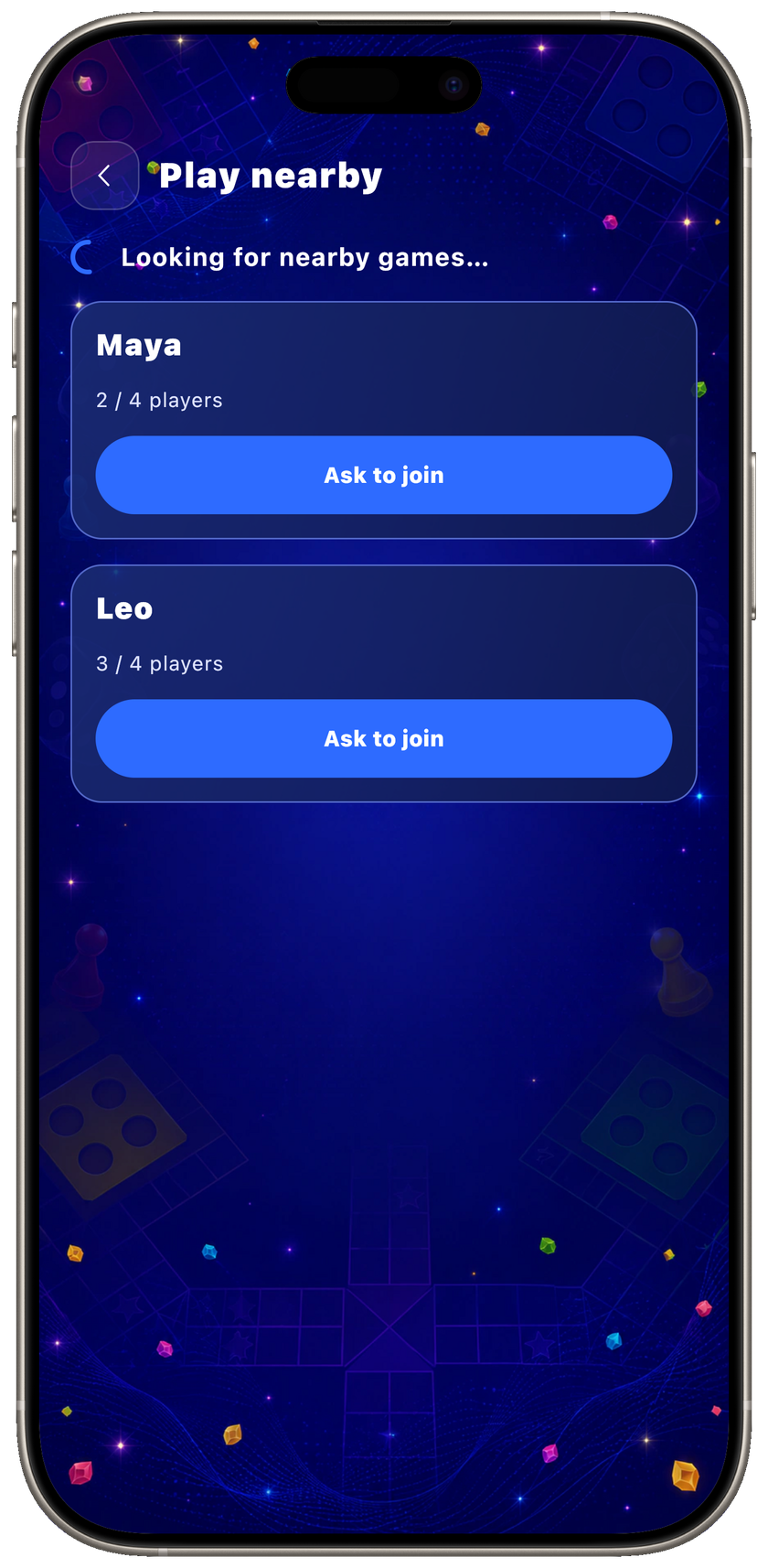
No internet needed
Find a nearby table over Bluetooth
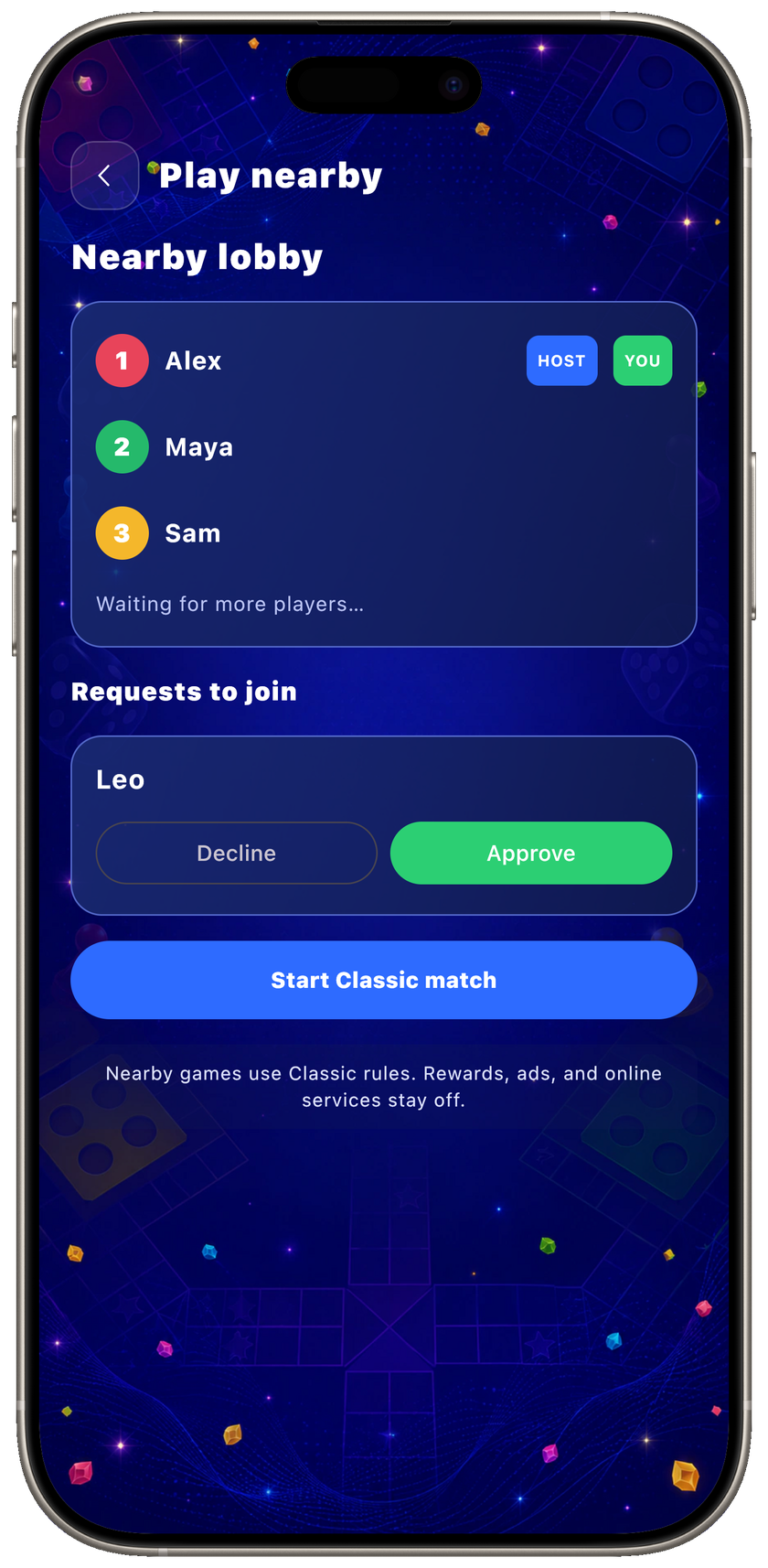
Your group, your lobby
Approve players and start together
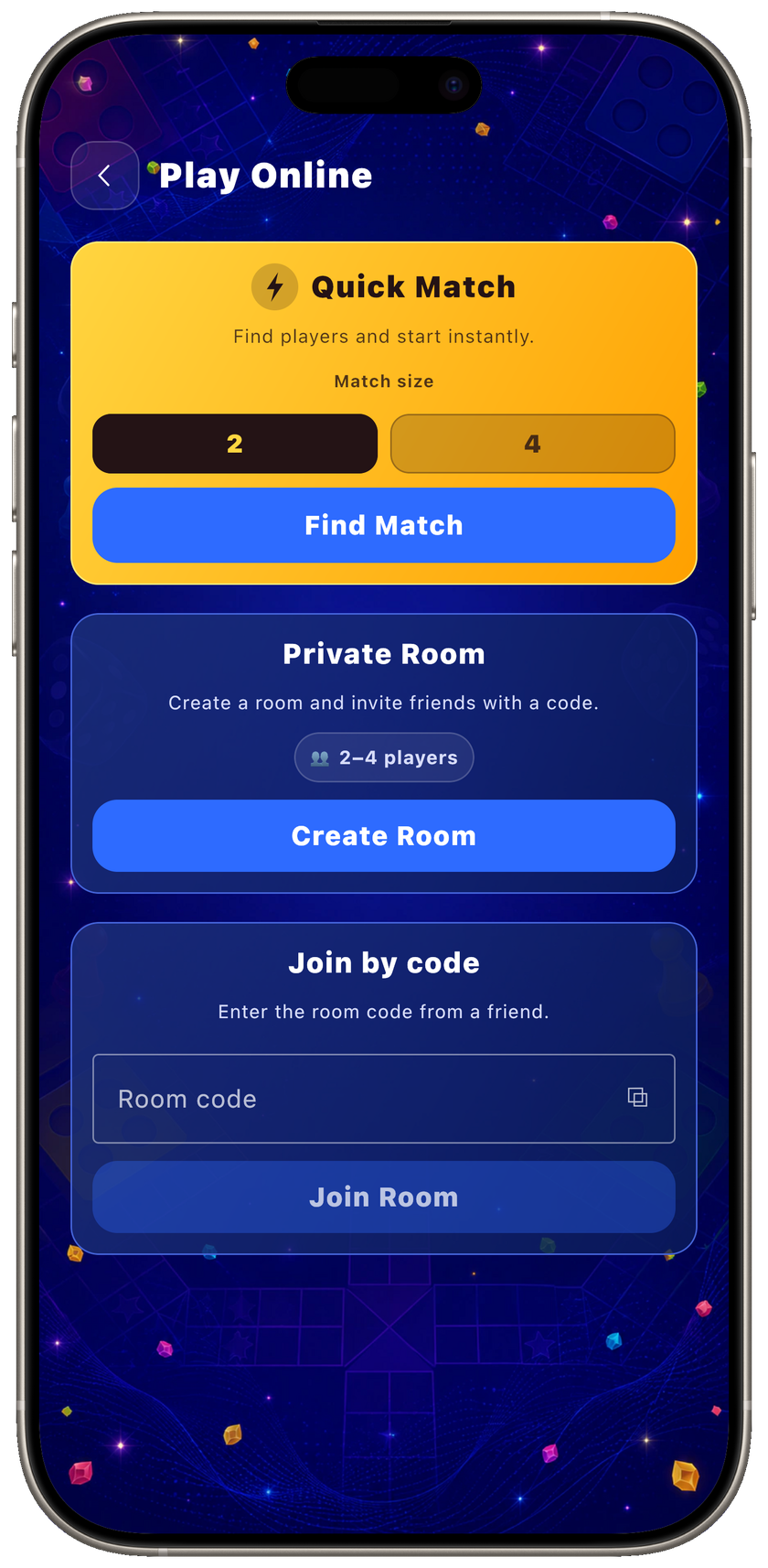
Play together
Quick Match or a private code
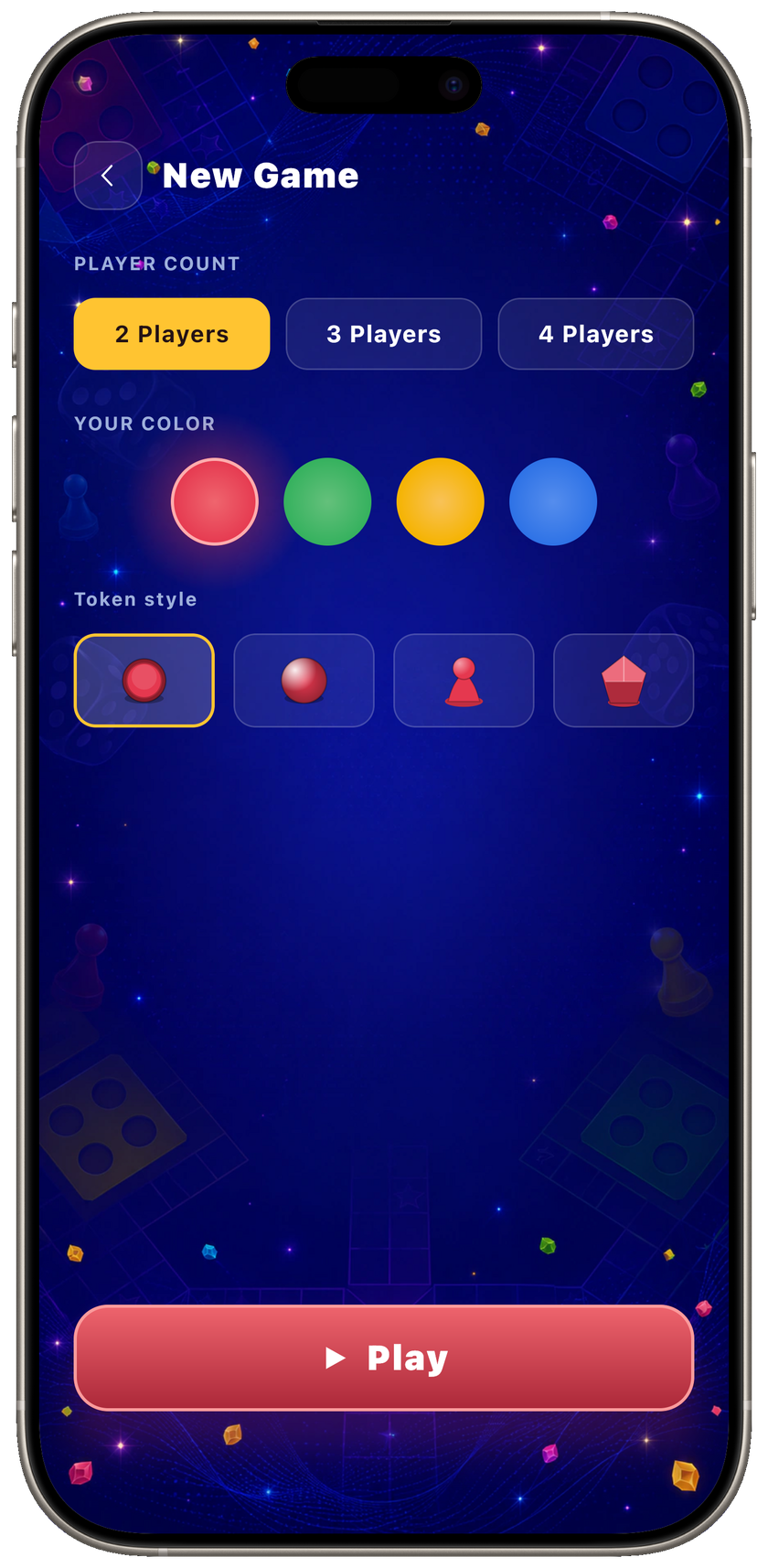
Make it yours
Choose players, color, and pieces
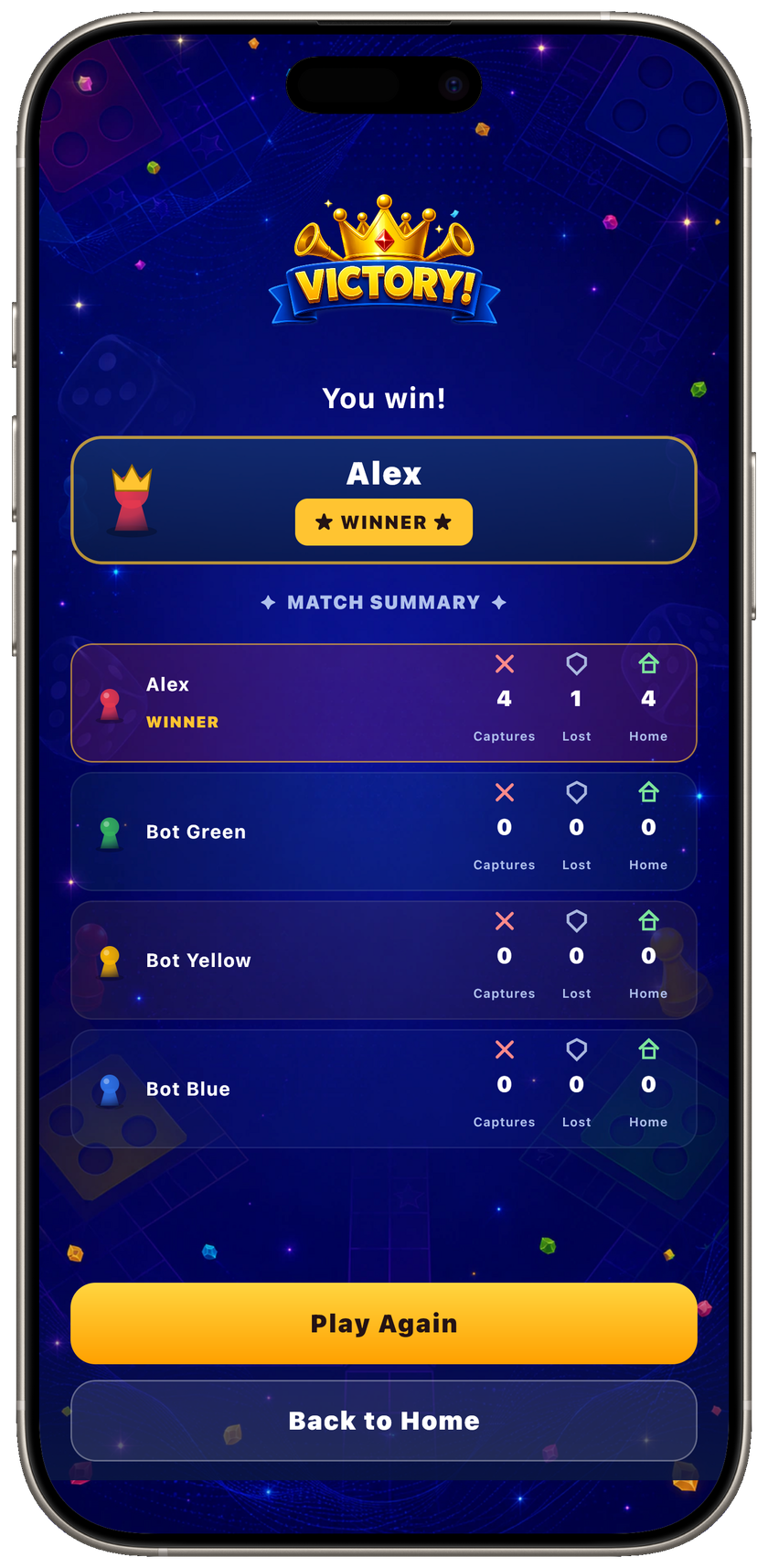
Race to home
Every match gets a clear finish
Five ways to play
The internet is optional. The match is not.
Every mode shares one rules engine and one familiar board. Online and nearby groups can mix Android and iOS devices in the same match.
-
Offline
Solo vs. AI
Play a full 2–4 player match against heuristic computer opponents, with local autosave and resume.
-
Bluetooth
Play Nearby
Connect 2–4 Android and iOS devices directly. No internet, account, pairing screen, or PIN.
-
One device
Local Match
Two to four people pass one device around. It is the fastest way to put a board on the table.
-
Online
Private Room
Create a room, share a six-character code, watch the roster fill, and start with up to three friends.
-
Online
Quick Match
Enter a casual 2- or 4-player queue when you want a game without organizing a room code.
Made for complete matches
Small details that keep a whole match moving.
The rules are familiar. The craft is in quick setup, readable turns, resilient connections, and a board that scales from one phone to a landscape tablet.
- Nearby without pairing
- Discover a game inside Ludo, ask to join, and let the host approve you. The system Bluetooth pairing screen never enters the flow.
- Offline that really works
- Solo AI and one-device hotseat need no account or server. In-progress offline matches save after every move.
- Authoritative online play
- The server owns dice, turns, and move legality. Reconnect, presence, and missed-turn handling keep a dropped player from freezing the match.
- Made for bigger screens
- Phones stay focused in portrait. Android tablets and iPad gain spacious portrait layouts and a dedicated landscape board with an action rail.
- 16 languages, including RTL
- The app follows the device language on first launch, switches in-app, and supports a complete right-to-left Arabic layout.
- A board that feels alive
- Animated dice, token movement, music, sound, haptics, four token styles, fixed reactions, and a clear victory or defeat finish.
Red
Green
Yellow
Blue
- Classic rules: safe stars, captures, exact home entry, and fair opposite seating for two players
- First-match tutorial plus TalkBack and VoiceOver semantics for core board actions
- Local player profile, lifetime stats, and detailed per-match result summaries
- Friendly fixed reactions without free-text chat, voice, contacts, or a forced social graph
- Optional Lucky Six reward in solo Classic only — never in online or nearby matches
- A two-step rating flow that routes unhappy players to private support instead of the store
How to play
Pick a connection. Keep the classic rules.
The way players meet changes; the board does not. Every mode uses the same safe cells, capture rules, home path, and race to bring all four tokens in.
-
Step 01
Choose your table
Play solo, pass one device, create or find a nearby Bluetooth game, share a private online code, or enter Quick Match.
-
Step 02
Roll and race
Take turns rolling the die and racing your four tokens around the shared track. Land a 6 to leave the yard; land on an opponent to send them back.
-
Step 03
Bring all four home
Climb your colored home column and get all four tokens home first to win. Starred cells are safe — no capture there.
Clear value exchange
A board game, not a casino.
Ludo is free and ad-supported, with strict placement limits. Monetization stays outside competitive online and nearby play, and every optional reward explains its value before an ad can open.
What we avoid
- Coin wagers and casino-style tables presented as the main way to play
- A mandatory account before a player can start an offline match
- Competitive boosts that can be bought and used against other players
- Full-screen interstitial ads dropped between matches
- A Bluetooth mode that still routes the match through a cloud account
What you get instead
- No coin wagering — wins and losses never put a stake at risk
- Offline play works without an account or matchmaking connection
- No paid online advantage — Lucky Six is limited to solo play
- No interstitials — passive banners appear only while waiting and on results
- Rewarded ads are optional and explain the reward before they open
- A one-time Remove ads purchase clears passive ads and the Lucky Six ad
- Nearby sessions use no Firebase, ads, purchases, or power items
Privacy in plain language
Offline-first, with clear network boundaries.
Offline matches need no game server. Nearby state moves directly over Bluetooth. Online play and supporting services use established providers for synchronization, ads, purchases, and diagnostics.
The full details, providers, permissions, and your choices are documented in the Privacy policy.
-
Offline gameplay stays on your device
Solo and local matches, autosaves, settings, and offline stats are stored locally. Supporting services such as ads, purchases, crash reporting, and analytics may still use the network.
-
Nearby match state stays nearby
Play Nearby sends the lobby and match directly between participating devices over Bluetooth. It does not upload the nearby room or board state to Firebase.
-
Anonymous identity for online play
Firebase creates a random user ID when you use online features. No email, password, contacts, or social profile are required for the current release.
-
Ads use consent controls
Google UMP resolves regional consent before AdMob starts. On iOS the app does not request App Tracking Transparency or read the IDFA.
-
Stores handle payment details
The one-time Remove ads purchase is verified by RevenueCat, while Apple or Google handles the transaction. We never receive your card or billing details.
-
No free-text chat
In-match reactions come from a fixed set of emoji and short phrases, so players cannot submit or store arbitrary chat messages.
FAQ
Before the first roll.
The short version: choose the mode that fits the room. Ludo handles the rest.
- Can we play on separate devices without internet?
- Yes. Play Nearby connects 2–4 Android and iOS devices directly over Bluetooth Low Energy. The match needs no internet, shared Wi-Fi, router, Firebase sign-in, or room code.
- Do we have to pair the devices first?
- No. Open Play Nearby, let one person create a game, and let everyone else find it inside Ludo. The host approves each player. There is no system pairing screen, Bluetooth PIN, or manual device-settings ceremony.
- When does Ludo ask for Bluetooth access?
- Only after you open Play Nearby and continue past the in-app explanation. Launching Ludo or choosing solo, local, or online play does not initialize Bluetooth or trigger its permission prompt.
- Do I need an account?
- No. Solo, Local Match, and Play Nearby work without an account. Private online rooms and Quick Match use a random Firebase ID in the current release — no email or password is required.
- Can Android and iOS play together?
- Yes. Private rooms, Quick Match, and Play Nearby are cross-platform, so Android phones or tablets and iPhone or iPad can share the same match.
- What happens if a connection drops?
- Online matches support reconnect and resume, presence, and missed-turn handling. In Play Nearby, a guest gets a 30-second recovery window and receives the host's latest complete state; if the nearby host disappears, the match ends without recording a fake win or loss.
- Is there any coin wagering or gambling?
- No. There is no coin casino, wager mode, paid entry stake, or real-money match mechanic. Purchases never buy an advantage in online or nearby play.
- Where does the app show ads?
- There are no interstitials. A passive banner may appear in the reserved board area while you wait for another turn and on results. Solo Classic can offer a limited Lucky Six rewarded ad after explicit confirmation. Nearby sessions contain no ads.
- Can I remove the ads?
- Yes. Remove ads is a one-time purchase. It removes passive banners and lets the limited solo Lucky Six benefit work without watching its rewarded ad. Purchases can be restored through your App Store or Google Play account.
- What languages does it support?
- The app includes 16 languages: English, Russian, Spanish, Portuguese, German, French, Italian, Japanese, Korean, Chinese, Arabic, Hindi, Indonesian, Turkish, Polish, and Bengali. Arabic uses right-to-left layout, and language can be changed in-app.