Health & Sleep
Does app data transfer to a new phone? Not all of it
· updated
Not all of it: a new phone restored from a backup opens Blood Pressure Diary empty, and that is a deliberate choice. Your readings stay on the device you took them on, because health data should not travel anywhere you did not send it. There is no copy on our side either — the app has no account and no cloud sync. Export exists so the diary stays yours: you take one file and carry it to the new phone.
Who else has a copy of your readings?
Nobody — not us, not a server, not a backup. Blood Pressure Diary keeps every reading in a database on the phone itself, and it has no account to sign into and no sync to switch on. There is no second copy for anyone to fetch, because one was never made. Readings taken at your kitchen table stay at your kitchen table.
That is also what makes a phone change different here. An app that keeps your data on its own server, you reinstall and sign into. An app that keeps the data with you depends on what you carry across, and it owes you a way to carry it.
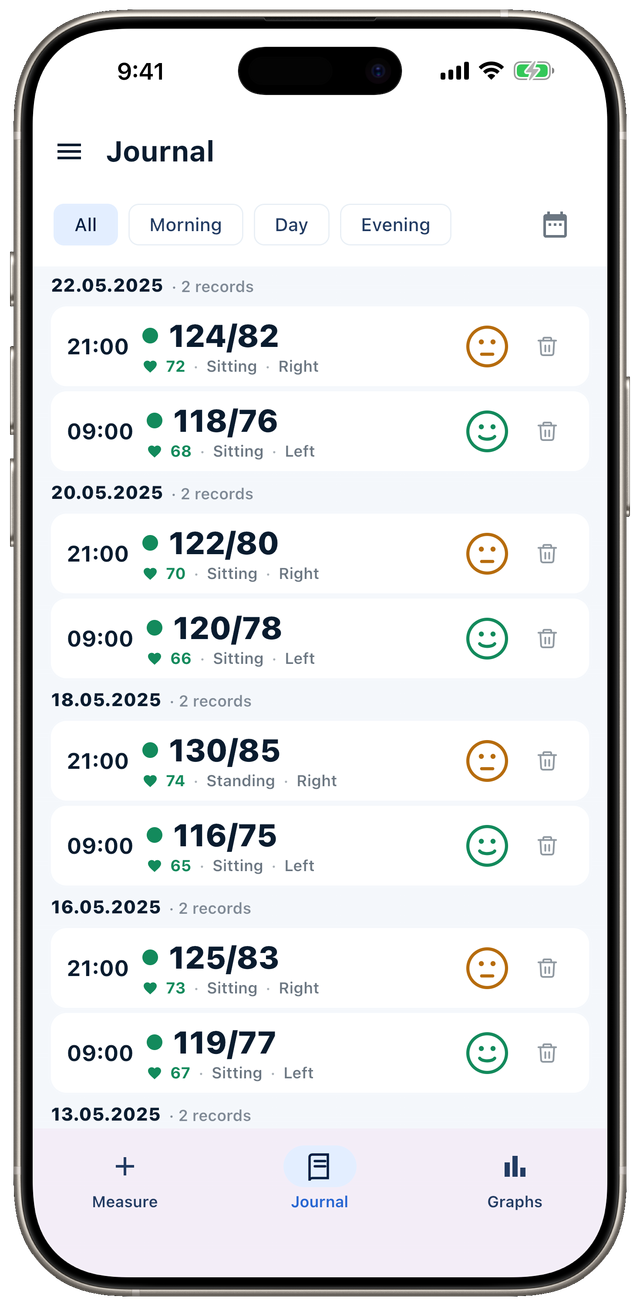
Does an iPhone or Android backup carry the readings?
No, on either platform, and that is the app’s own decision rather than a limit of the operating system.
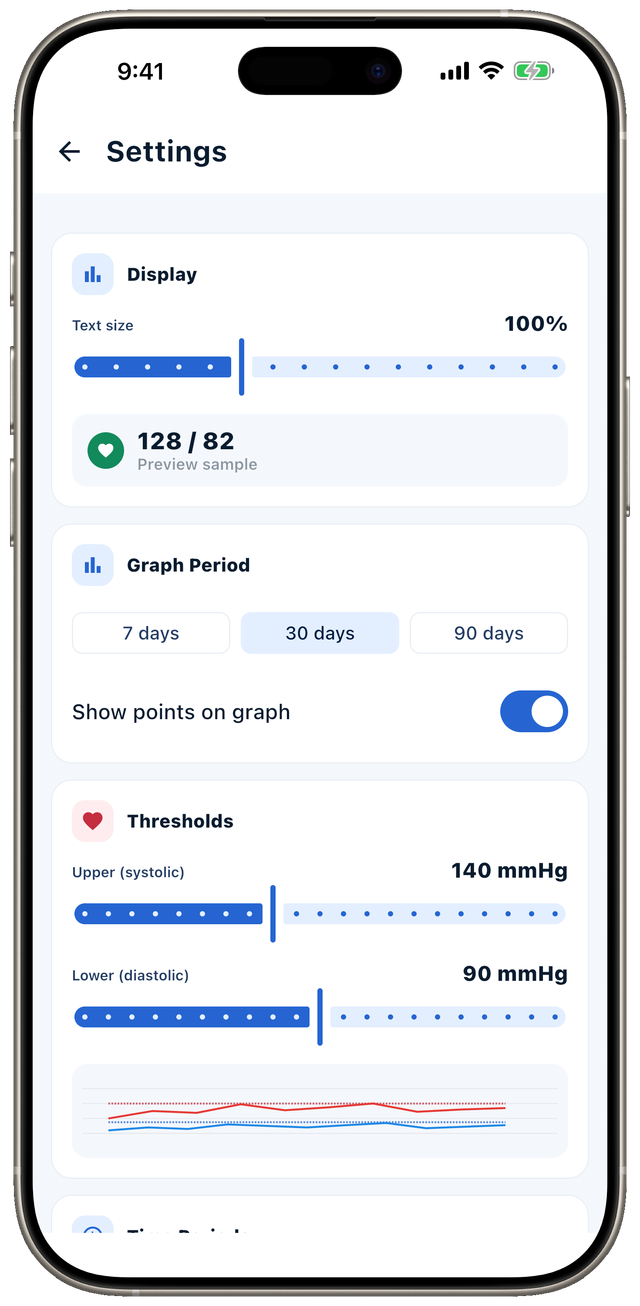
On iOS, Blood Pressure Diary marks its readings database as excluded from the iCloud backup the first time it opens it, so a restored iPhone opens the diary empty. On Android, the app publishes a short list of what a backup is allowed to take, and the readings are not on it. Your settings and your reminders are: the reminder times, the display settings and the trial countdown all cross to the new phone. The measurements stay behind.
Both of those were deliberate. Health readings should not leave a device because a system elsewhere decided to copy them. A copy that already exists sits wherever the copying put it, which is rarely somewhere you chose. The cost of that choice is worth stating plainly: the diary moves when you move it. What we declare about this data in the stores, and how to read those declarations for any app, is in where your health app data goes.
What phone-transfer guides actually cover
They describe an operating-system migration, not one app’s own data. Articles about moving to a new phone cover contacts, photos, apps from the store, and whatever sits in Apple Health or Health Connect. All of that does move — and none of it has anything to do with a third-party blood pressure diary.
Three different things get called “transfer”, and keeping them apart is the whole trick:
- The OS migration — what the new phone’s setup assistant does. It copies what each app allowed to be copied, and nothing more.
- The platform health store — Apple Health and Health Connect. Apps that asked for permission write into it, and its contents genuinely do travel in an iPhone backup. Blood Pressure Diary writes nothing there, so none of its readings are in that store and none could be.
- An export out of the app itself — a file you save and can open anywhere. For a diary that lives on your device, this is the route.
The first two are what almost every result for a phone-transfer query is about. The third is the one holding your readings, and it is missing from that page.
What is in the export file?
Every reading, and nothing else of yours. Each measurement becomes one row of an ordinary CSV: the date and time, both numbers, the pulse, which arm, which position, how you felt and whatever you typed in the note. Any spreadsheet opens the file, so your diary stays readable without the app that produced it. The file is named for the day you exported it, and if the diary holds readings from both arms the app asks which arm you want.
What the file does not hold: reminders, thresholds, text size, date format — everything you configured rather than measured. The purchase is not in it either. That split is deliberate as well. The file is your record of your own health; the settings are only how the app looked on one phone.
Times are written as local time, the time that was on the clock when the reading was taken. Move to another time zone and a morning reading stays a morning reading, which for a log that gets read by time of day matters more than second-level precision — the reasoning is in a blood pressure log your doctor can actually use.
What does the export cost?
Nothing for the first 60 days after install. The countdown starts at first launch, and for that whole stretch export, import and the PDF report work in full. After it runs out they sit behind a one-time unlock — the same purchase that switches off the periodic offer banner. There is no subscription behind it, and the app carries no ads at all. Logging, the journal, charts and reminders are free at every point.
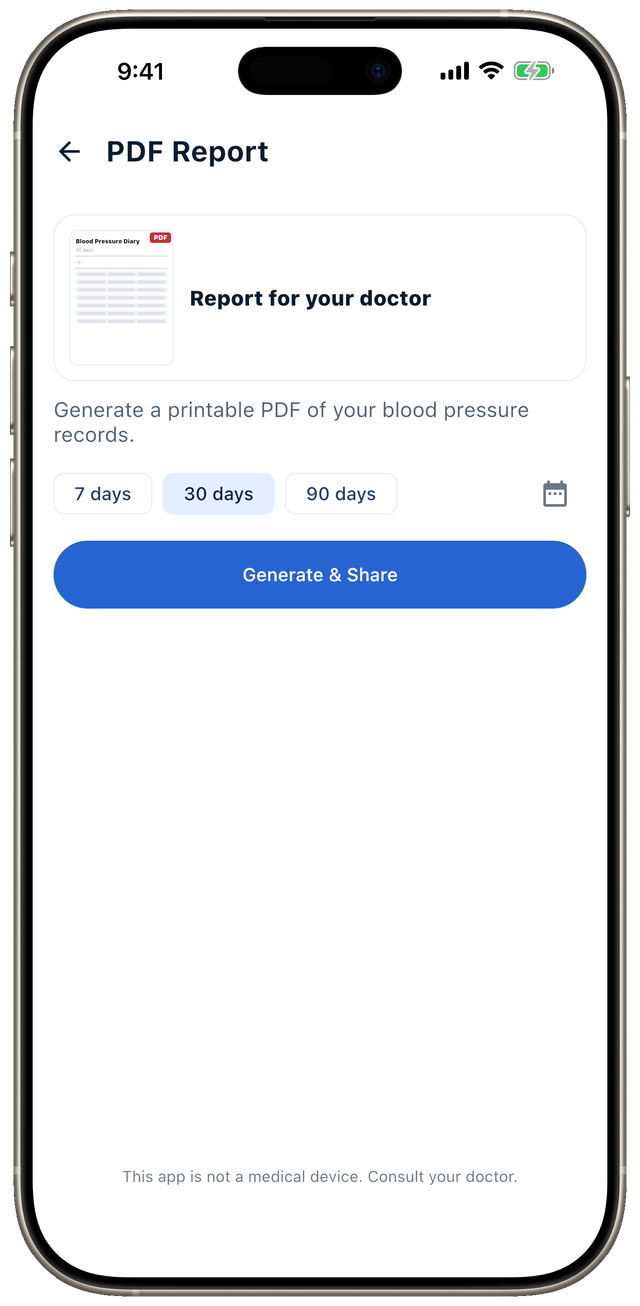
Read the consequence now rather than on the day the old phone has already been handed in: if the trial has run out and you never bought the unlock, the diary is still yours and still on the phone, but taking it with you waits until you buy. The difference between a one-time unlock and a subscription is worked through in what a puzzle game subscription costs.
You set up a new phone from a backup of the old one, install the blood pressure diary and open it. What do you see?
Answer: The diary is empty, but reminders and the remaining trial days came across on Android — Yes. The list of what the Android backup may take covers reminder times, display settings and the 60-day countdown. The readings are deliberately not on it.
How to move the diary to a new phone
Four steps, and the first two happen on the old phone while you still have it.
- Open Import / Export in the side menu and tap Export CSV. The app hands the finished file to the system share sheet.
- Save the file somewhere that is not the phone. An email to yourself, a cloud drive, a messaging app — anything that outlives the handset. Where it goes is your call, which is the whole point of handing you a file.
- On the new phone, install the app, open the same screen, tap Import CSV and pick the file.
- Read the summary dialog. It reports how many rows it found in the file, how many it added, how many it skipped as duplicates and how many it could not read. An empty diary and an import that reported zero added rows are two different faults.
The app accepts only a file it exported itself and shows an error on anything else, so an export from some other tracker will not land here. Importing the same file twice does no harm — a row whose date, time to the minute and three numbers all match an existing one is treated as a duplicate and skipped.
What to do about it today
Export the diary once and confirm the file opens. It is worth doing for reasons that have nothing to do with a planned upgrade: phones get lost, dropped and soaked, and the recovery looks the same after each. A health app you cannot get your data out of is a diary you are renting.
Blood Pressure Diary keeps readings on the device, runs with no connection and no sign-in, and hands the export over as an ordinary CSV file that any spreadsheet opens. We ask you to run that export yourself because it is the other half of the same decision: there is nowhere for us to fetch your data from. Why we take that trade rather than the easier one is on the About page. The rest of what we build for tracking readings and sleep is on the Health & Sleep page.
Frequently asked questions
- Does an iPhone backup carry blood pressure readings across?
- No, and not by accident. Blood Pressure Diary keeps its readings out of the iCloud backup on purpose, so a new iPhone restored from that backup opens an empty diary. The readings move when you export them yourself, in a file you keep.
- What about an Android-to-Android transfer?
- Settings, reminder times and the trial countdown cross over — they are the only things the app lets a backup take. The readings stay on the old phone, in a database that the Google backup and the direct phone-to-phone transfer both skip.
- What is in the export file?
- Every reading in full: the date and time, both numbers, your pulse, the arm, the position, how you felt and any note. Settings, thresholds, reminders and the purchase stay out of it — the file is the diary, not the app.
- Can I import an export from a different app?
- No. Blood Pressure Diary accepts only a file it exported itself. Given anything else it shows an error and adds nothing to your diary.
- Does exporting cost anything?
- Not for the first 60 days after install — export, import and the PDF report all work in full. After that they sit behind a one-time unlock, with no subscription attached. Logging, the journal, charts and reminders are free the whole time.
